
Automatically start timer and open time dialog after dragging tickets
To make it even easier for technicians to track and record time on ConnectWise and Autotask tickets, now you can trigger automatic functions when a ticket is dragged to a column.
One or both of these automatic functions can be configured:
- Start timer on drag- after dragging a ticket to a column, the ticket timer starts automatically
- Open time entry on drag- after dragging a ticket to a column, the time entry dialog is opened automatically
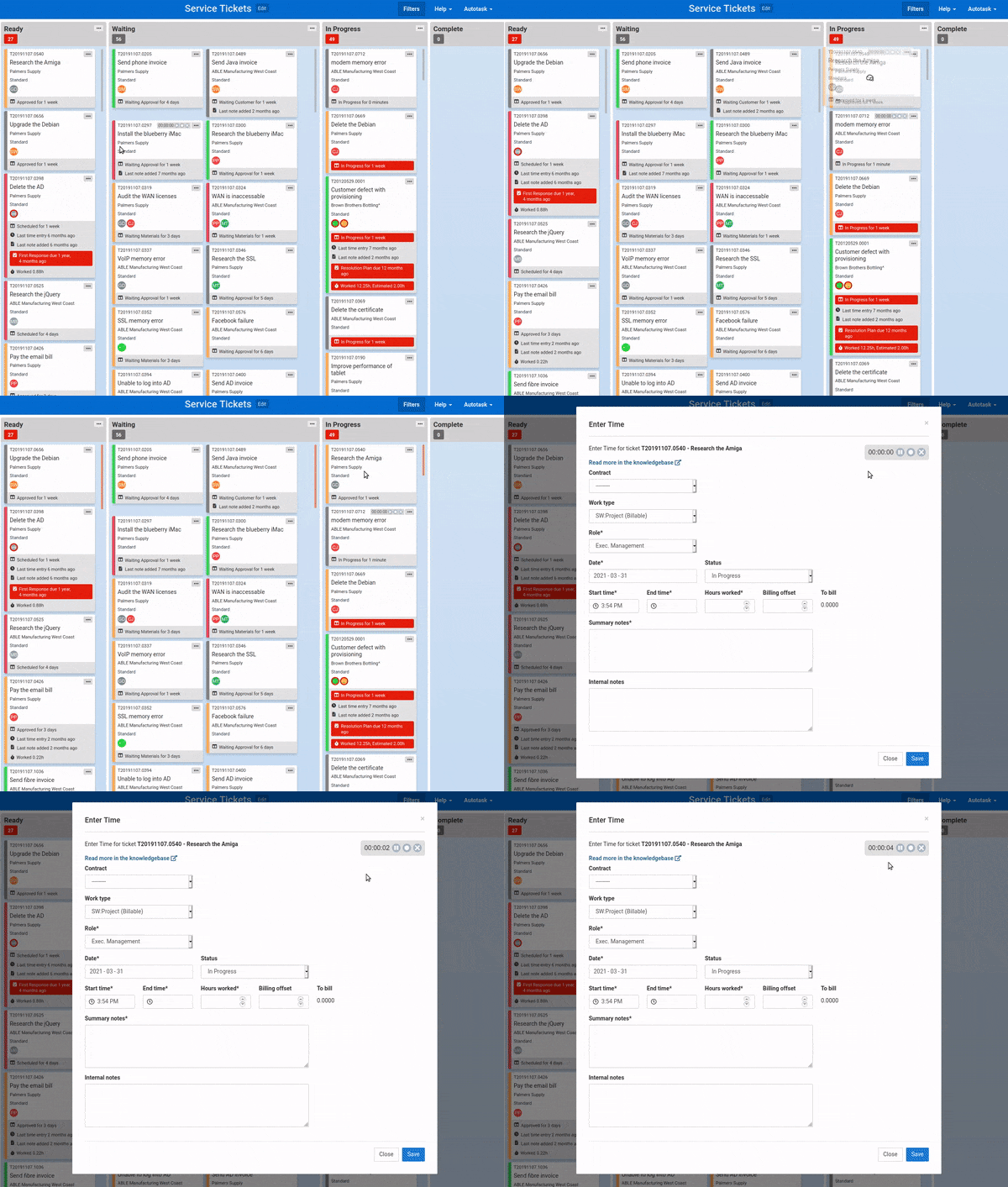
These options can be configured independently on each column of a Kanban board. The most common usage would be for the In Progress column.
The options are available in the Advanced Options section of the column editor.
Comments
No comments yet.