
ConnectWise
Edit ConnectWise activity company, contact, ticket, and opportunity
Users of TopLeft for ConnectWise can edit Activity records directly from Kanban boards. We recently added the ability to change more fields about an activity: the activity's company and contact and the associated ticket or opportunity.
Editing the records from Kanban helps you work faster and stay more organized compared to working only out of ConnectWise.
To edit an activity, find the activity card on a Kanban board, click the "..." menu on the card, then click "Edit Activity".
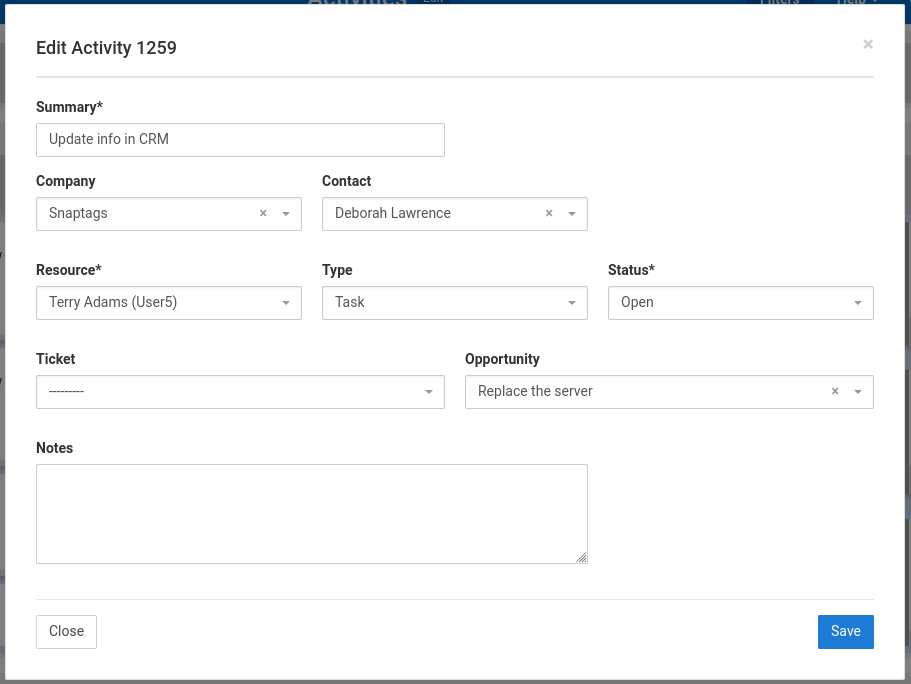
Editing of records is available in the TopLeft Standard plan.
Comments
No comments yet.