
Remote desktop user? You can now disable animations in TopLeft
If you use TopLeft in a remote desktop environment, the app's animations may have slowed down your experience as every frame of every animation was sent over the network.
TopLeft is about speed, not about animations, so now you can disable those animations. Go to the (brand new) user settings page by clicking your name in the top-right corner, then click Account, then find the option:
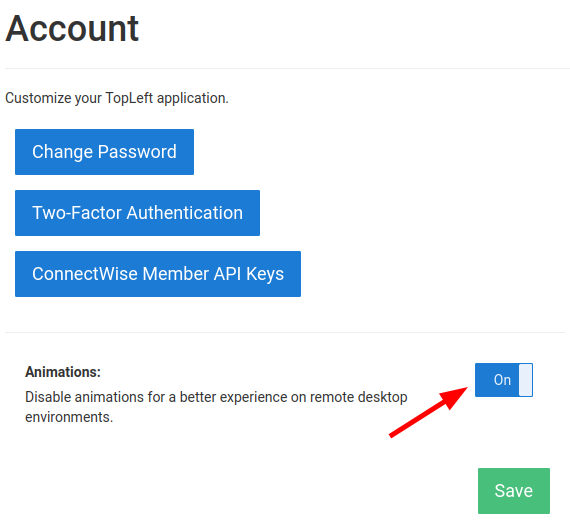
Swap that option over to Off, click Save, and enjoy faster TopLeft.
Comments
No comments yet.