
Easily set time entry start time to end time of the last entry
As a technician, you need to track all your time on tickets throughout the day so customers are billed properly. But when you enter time, it can be easy to forget when you started working on a ticket.
Now it's easy to set the start time of your time entry to the end time of the last time entry.
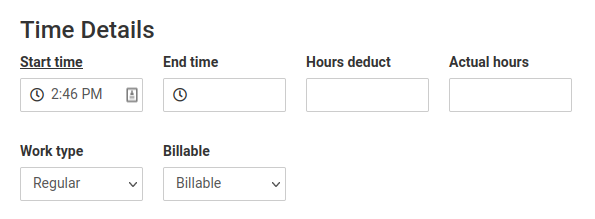
Just click the start time label in the TopLeft time entry dialog. The start time field is filled for you.
This works in both ConnectWise and Autotask modes.
Comments
No comments yet.