
ConnectWise
Organize Projects by Account Manager in ConnectWise
For ConnectWise customers, now you can give your Account Managers an easy view of their company's projects.
This mirrors the equivalent feature we added for Autotask a few months ago.
ConnectWise customers have new ways to organize project boards according to company account managers. This is useful for account managers to have a single view of the projects of all their companies.
In ConnectWise, account managers are specified on the Team tab of the company page.
To get account manager data from your ConnectWise server, we need a new permission for TopLeft's API member security group: Companies/Team Members (inquire level).
There are two new features:
- Project boards can use swimlanes according to each company's account manager. There will be a swimlane for each account manager, each swimlane showing the projects for that manager's companies. A manager or executive would use this to see how work is split up among account managers.
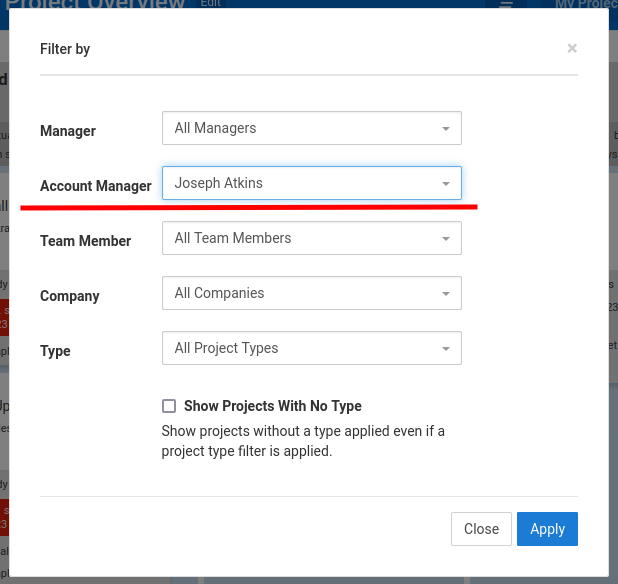
- Project boards can be filtered to show projects for only one specific account manager's companies. This is how an individual account manager would see his or her work.
Comments
No comments yet.