
Customize Client Portal Invite Emails
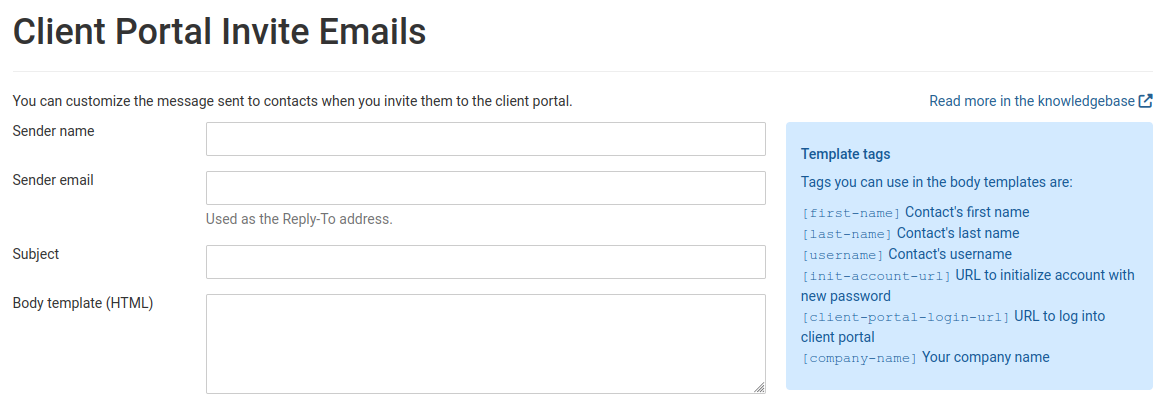
When you invite clients to the client portal, now you can customize the emails TopLeft sends.
You can change the sender name and email, subject, and the plain text and HTML body.
To make changes, administrators can click the gear icon in the main menu, then Client Portal, then Customize Invitation Emails.
Read about it in the knowledgebase.
PS We recently reduced the price of client portal licenses to $12/company/month, making it much more cost-effective to deploy client portal to all your customers!
Comments
No comments yet.