
Autotask
Autotask Company Notices Appear in TopLeft
Autotask can show notices about companies in the ticket editing page. For example, a company may have an agreement that only a specific individual is permitted to approve work. This notice is shown on all tickets for the company so engineers are aware.
TopLeft can now show these notices. This will help your engineers be confident they can work from TopLeft without missing out on important company information.
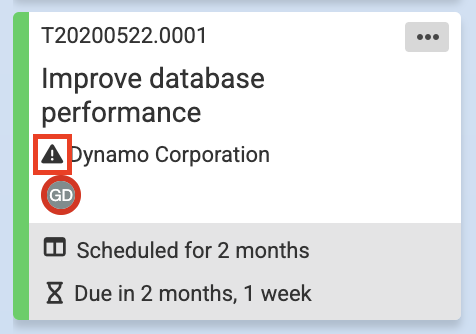
When a notice exists for a company, an alert icon is shown on the company label on the card.
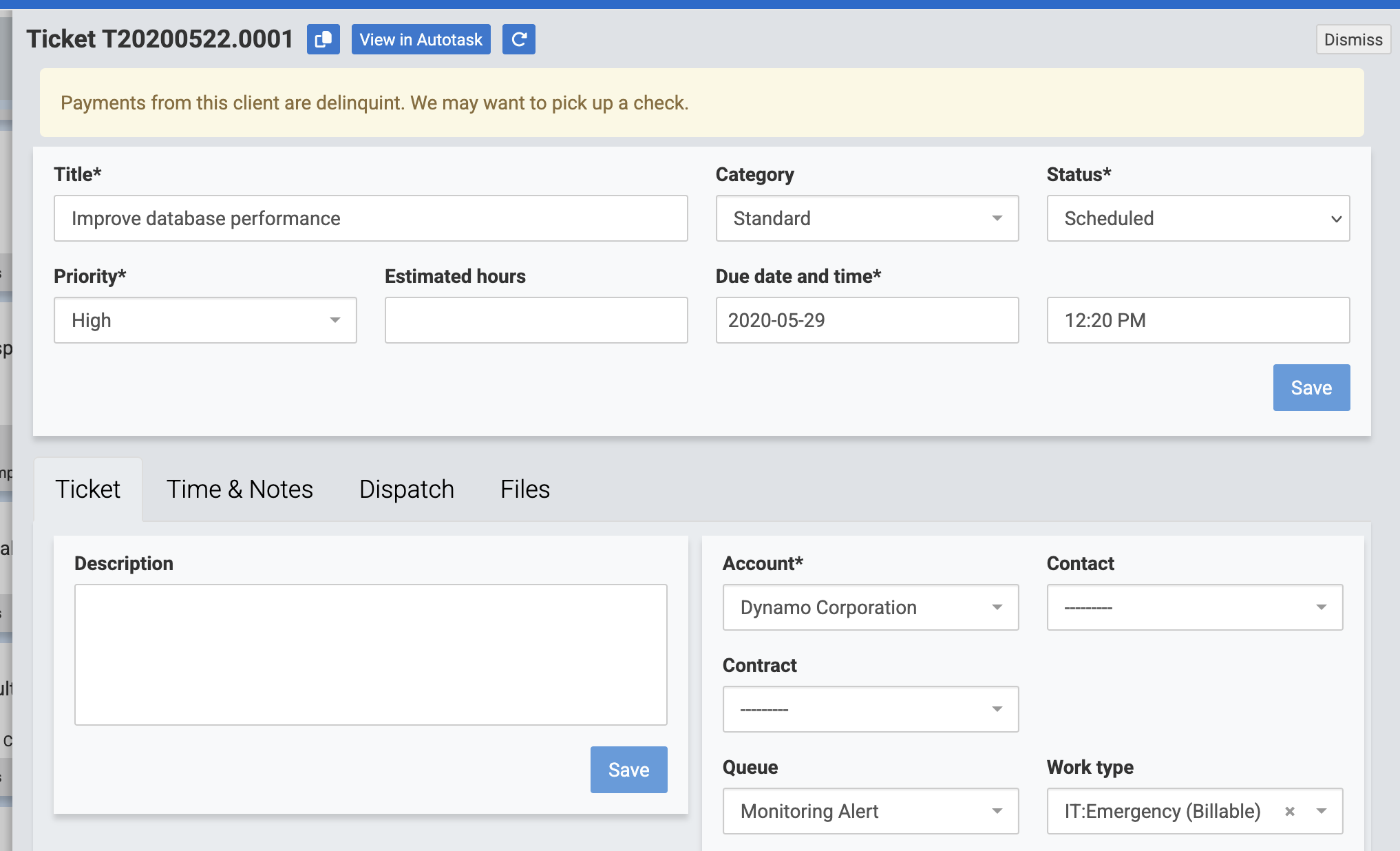
The full notice is shown in the ticket editor.
You don't need to take any action in TopLeft for these notices to be shown.
Comments
No comments yet.