
Easier to use Kanban board edit page
For TopLeft administrators who create and update Kanban boards, we've made a big change to the board edit page. Instead of a single long form, the page is split up into major sections, with each section in a tab.
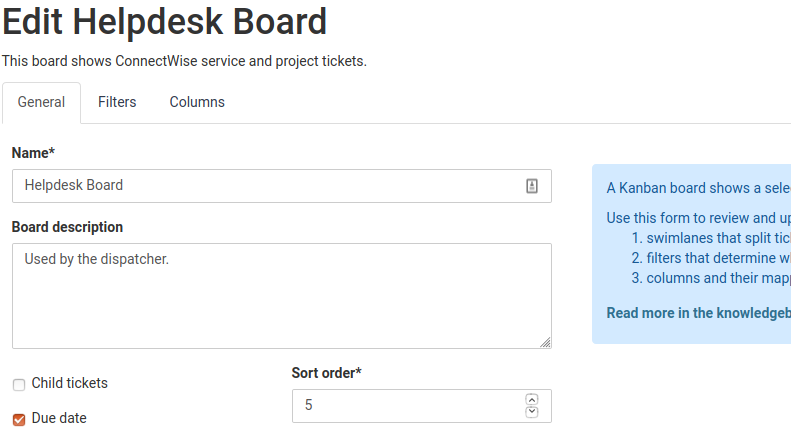
The tab navigation is always at the top of the page, even if you scroll down.
Also, the Save button always appears at the bottom of the page, even if you scroll up, and we've added a button that allows you to save and return to editing the board rather than always saving and sending you to the board view.
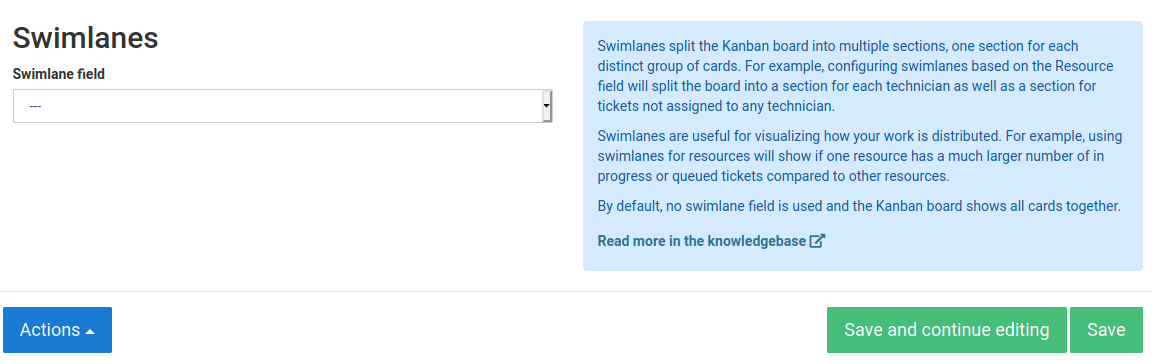
We hope these improvements allow you to iterate your board designs much faster. Let us know what you think!
Comments
No comments yet.