
Skip to content
TopLeft
Menu

Invite your team to use TopLeft with this new function

When someone new joins your team and needs to begin using TopLeft, now it's much easier to invite them.

TopLeft can send a message such as this one:
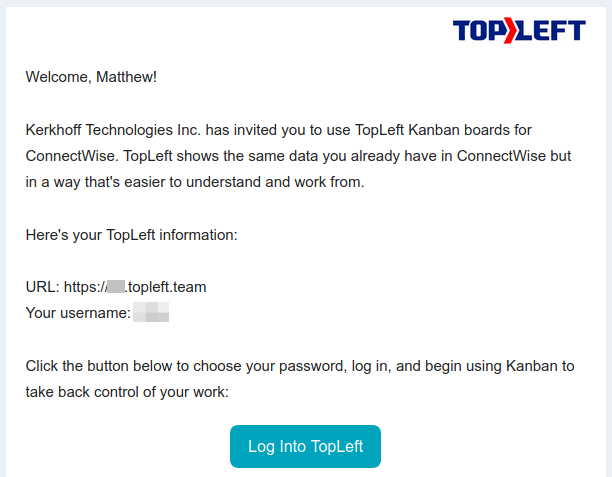
Administrators can invite users from the brand-new Settings page. In the main menu, click Admin, then click Invite Users. Then select the users you want to invite.

Full instructions are in the knowledgebase.

Comments

    The first time, we email you a link to confirm. After that, this browser remembers you.

    Like

    We email you a link once. After you click it, this browser remembers you on every docs page.

    Feedback on this page

    Fix or keep
    What kind

    Tip: select words on the page before you open this, and they come with your note.

    Optional, up to 5. Paste into the box above, or drop them here.

      They go into the GitLab issue. Crop out anything private.

      See every note and what happened to it