
ConnectWise
New Ways to Open the New Editor
We've added not one, not two, but three new ways to open the new ticket editor.
The new editor has a tabbed interface with these options:

Now you can open the editor directly to the tab you want in any of these ways:
- Buttons on cards
- Menu items
- Keyboard shortcuts
The new buttons on cards are pretty obvious:
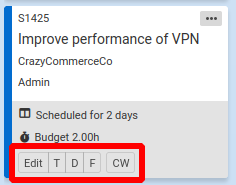
Each button opens one of the tabs. The CW button opens the ticket in ConnectWise.
The new menu items are likewise pretty obvious:
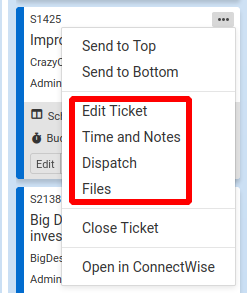
It's the keyboard shortcuts that will really make your life easier, though.
Just hover your mouse cursor over a card and press the appropriate key for the tab you want:
- Ticket tab, press e
- Time and Notes tab, press t
- Dispatch tab, press d
- Files tab, press f
Or to open ConnectWise to the ticket, press c.
These keyboard shortcuts should make your job a little bit easier many times every day.
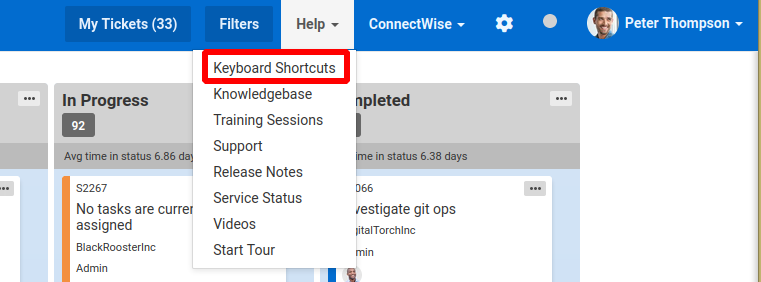
If you forget the shortcuts, just hover over the buttons in the button bar to see the tooltips. Or choose Help > Keyboard Shortcuts from the main menu.
Comments
No comments yet.