
Send Notes to Any Client Contact or Engineer
Sometimes when you add a note to a ticket, you need to notify a variety of people. It could be an engineer or salesperson on your team who isn't assigned to the ticket, or someone at the client who isn't the main contact on the ticket.
When you enter a note or time entry on a ticket, now you can send the note to any contact at the client company or any engineer in your MSP.
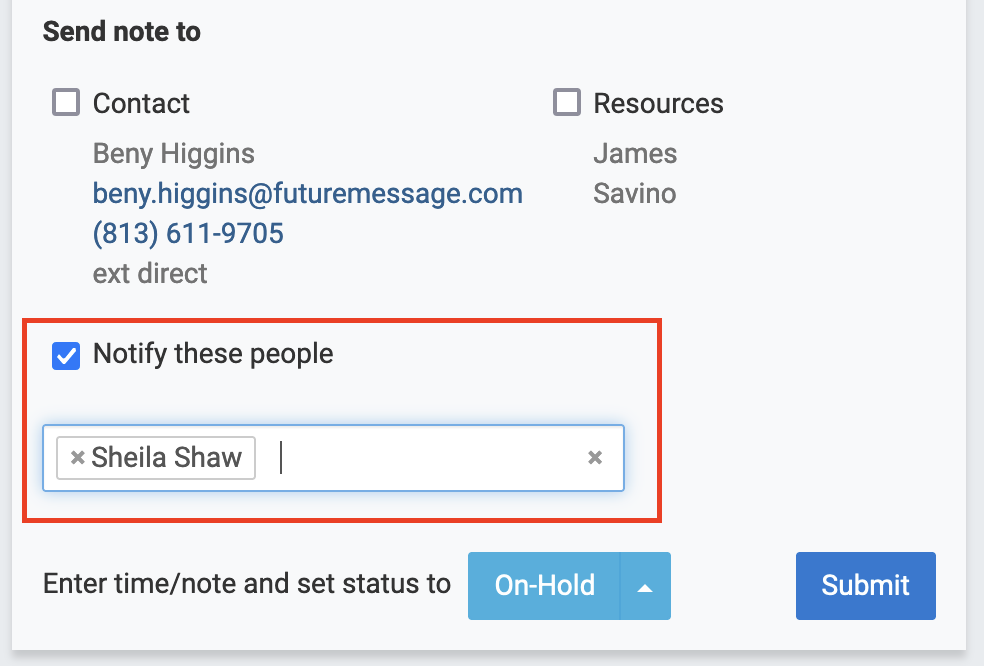
Your choice is saved for the next time someone enters a note. Now you have complete flexibility in notifying clients and staff as you work on tickets.
The screenshot is from the ConnectWise version. Autotask also has the feature but the form looks a little different.
Comments
No comments yet.