
Open tickets in new tab or window
In the board view of the new TopLeft UI you can now open tickets and projects in a new window or tab. This is available from the menu on each card.
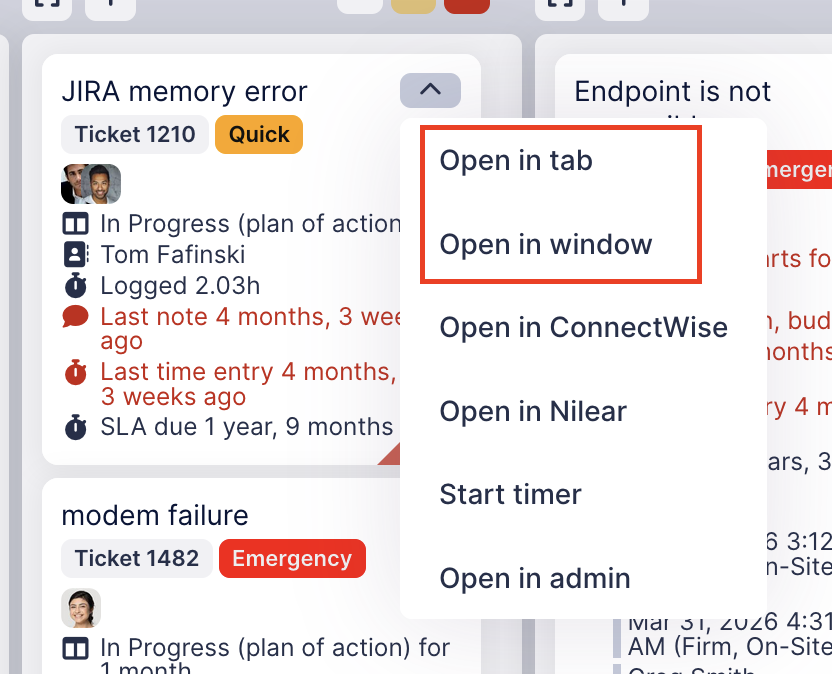
Previously you could edit tickets in a dialog, where you had to close the editor to continue using the board. Opening in a tab or window lets you edit a ticket throughout the day since it doesn't interrupt access to your board view. And the window option is useful to overlay the editor over the board so you can see ticket details and a list of tickets at the same time.
The first time you use this feature, you might be prompted by your browser to allow it. Affirm the prompt and save the setting for future use.
For engineers who use the timer functionality, timers are not shown on a ticket opened in a new tab/window, but we plan to add this soon.
Comments
No comments yet.