
New color customization and labelling options
There are new options for customizing colors in TopLeft. You can change the background color of the board and the navigation menu and surrounding area. Choices are offered for both light and dark modes.
The purple board background is gone. Safe to say, it was a polarizing choice. 😅 If you loved it, you can restore it.
Here's an example of a customized view:
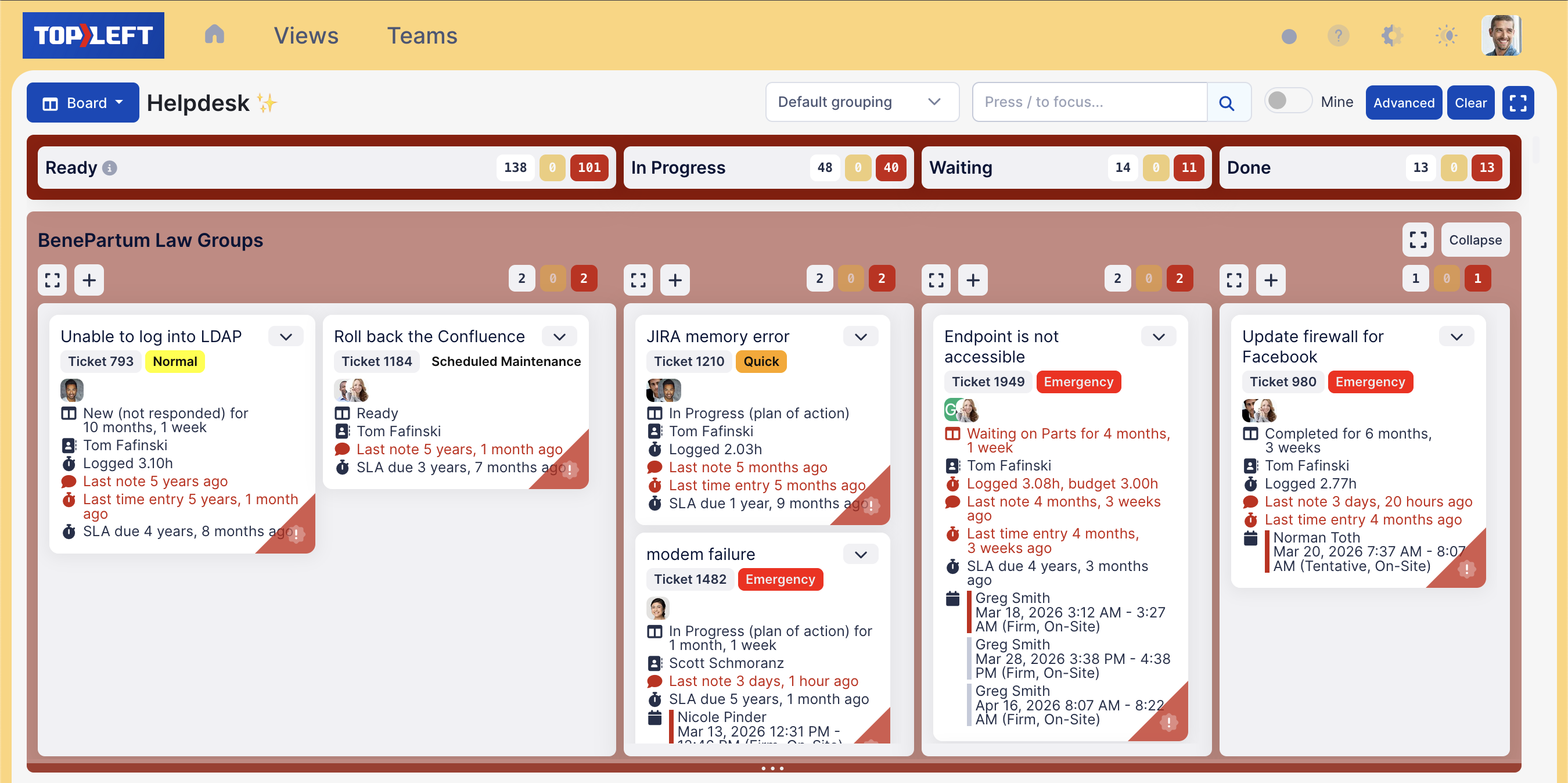
Furthermore, you can add labels to columns that are shown on the board. Managers can use this to provide simple instructions and reminders to the team. Hover your mouse over the "i" icon to show the comment. This is configured on the view edit page from the Workflows tab.

To edit colors and other branding options, go to the Branding settings page.
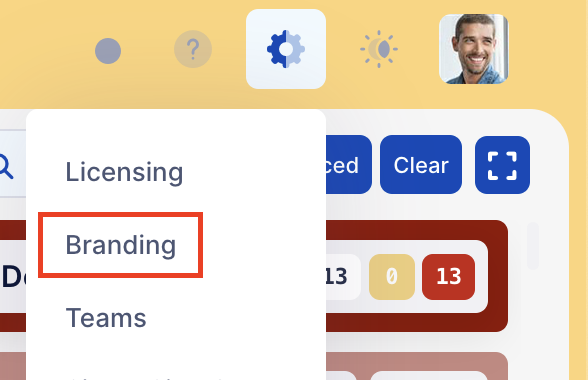
The board background comes from the Accent color.
Comments
No comments yet.