
Autotask
Ticket + Task Views for Autotask
One of TopLeft's key features for Autotask users is the ability to show service tickets and project tasks in one view. Autotask doesn't offer this function, but seeing service and project work together is a critical view needed by many MSPs.
TopLeft's new UI for Autotask now supports views with service and project work together. Here's an example showing service and project work together in the board view. Service tickets have a white background and project tasks have a grey background.
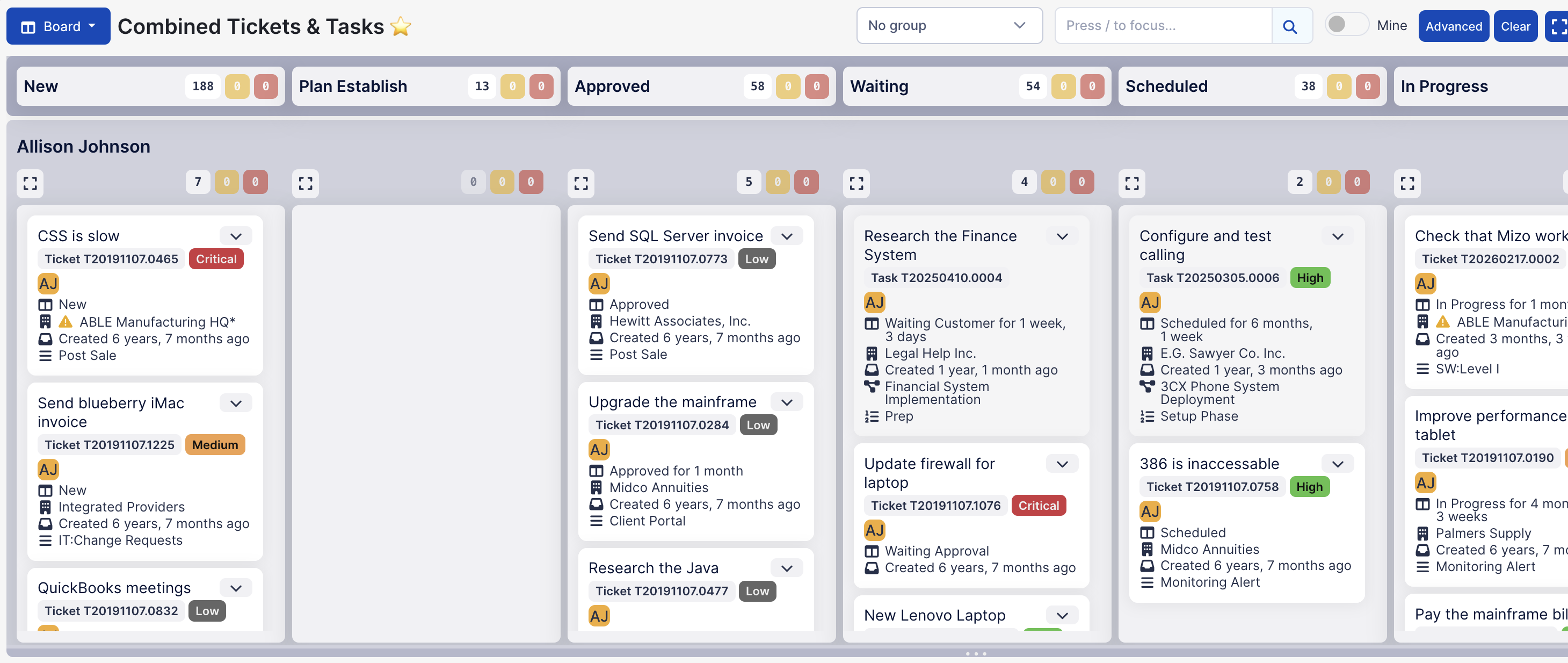
Tickets and tasks can be shown together on both the board view and Gantt view.
The old UI for Autotask has offered this kind of view for a long time already, so those who were using this in the old UI can now replace their old boards with new views.
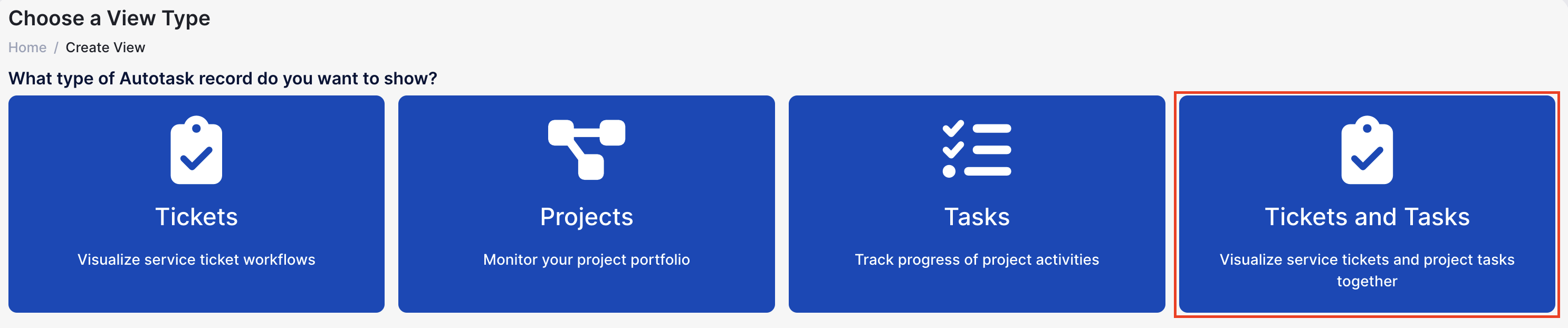
To create a view showing both service and project work, as an administrator click Views in the main menu, then Create View, then "Tickets and Tasks".
Comments
No comments yet.