
Updating your PSA Credentials in TopLeft
From time to time you may need to change the credentials you gave to TopLeft to sync and update the tickets and projects in your PSA. Until now, if you needed to change the credentials, you needed to submit a support request.
But now you can review your PSA credentials in your TopLeft settings page and update them on our administration site.
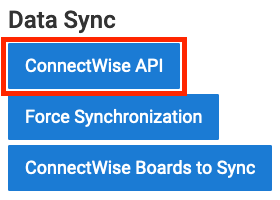
The page is available for administrators in the Settings section, from the ConnectWise API or Autotask API link:
Then you can review the current configuration:
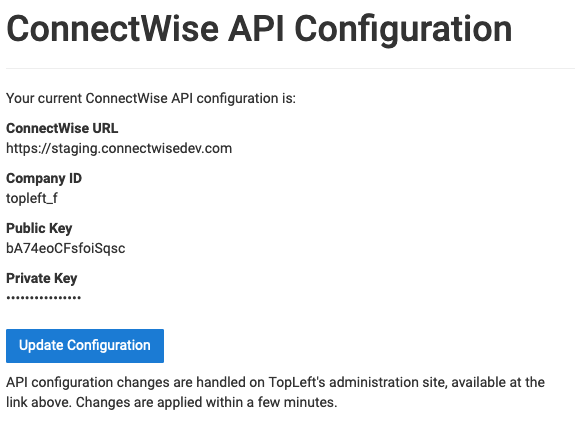
To change your configuration, click Update Configuration. This brings you to an administrative site that maintains your application. Using a form similar to the one you used to submit your credentials when you first signed up, you can submit your new credentials. The changes will be applied to your application within a minute or two.
Comments
No comments yet.