
Test Your API Permissions in TopLeft
We now offer a tool to check if you've correctly set up your ConnectWise or Autotask API permissions in TopLeft. It's important to set this up properly because if you don't, you may not see all your PSA data in TopLeft.
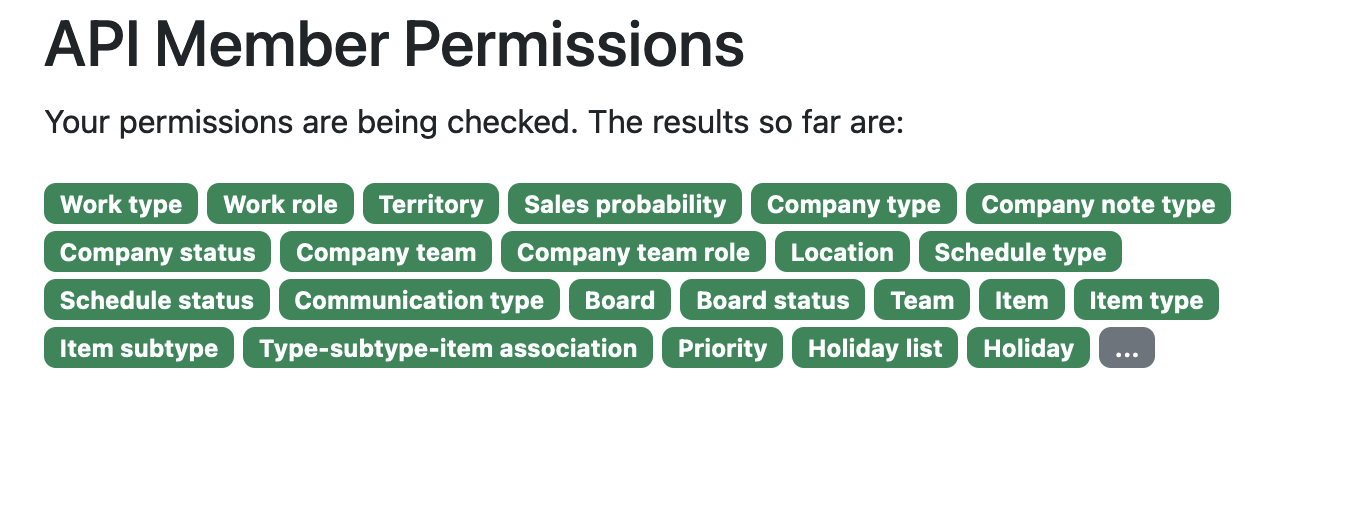
The tool checks all the permissions TopLeft needs to read data from your PSA. Sometimes as we add new features, we need new permissions, so it could find missing permissions due to changes in our requirements over time.
To use the tool, do this:
- As an administrator, click the gear icon in the main menu
- Under Data Sync, click "ConnectWise API" or "Autotask API"
- Click "Check Permissions". You will be taken to TopLeft's administrative site for the check.
If you need to update permissions, refer to our documentation:
- For ConnectWise
- For Autotask
This tool only checks for proper read permissions. If you have incorrect add/update/delete permissions, your users will encounter errors when they make changes to PSA data in TopLeft.
Comments
No comments yet.