
Custom Links for Tickets
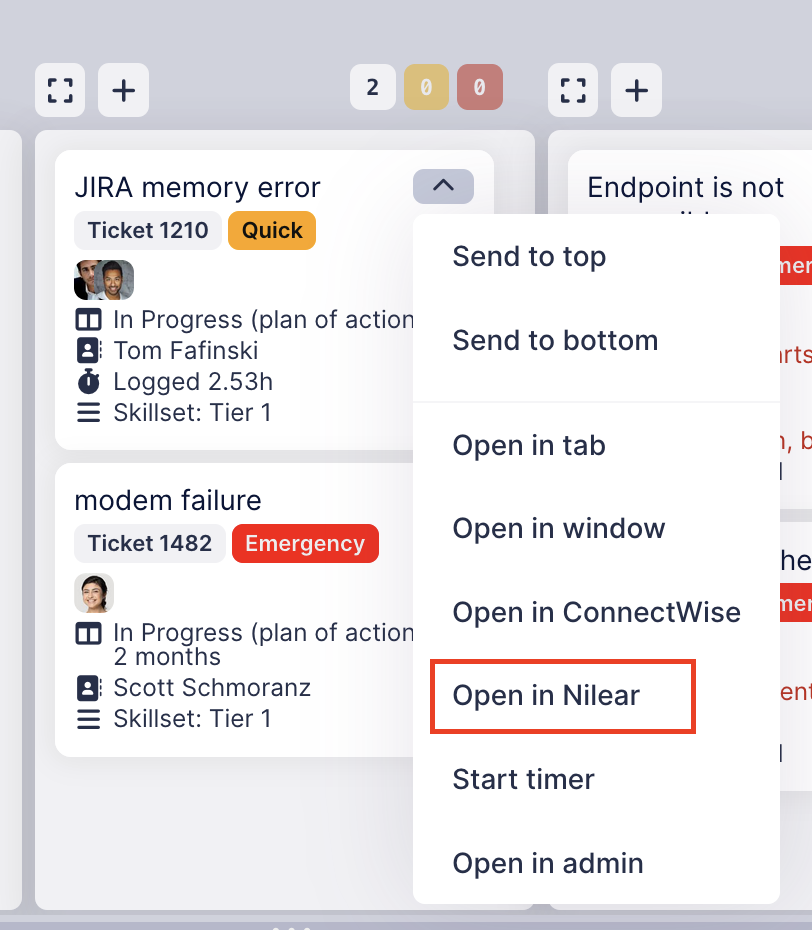
In TopLeft's new UI, you can set up links for tickets to third-party apps. For example, if you use Nilear you might have a ticket open in TopLeft and want to open it in Nilear, and now you can do so easily.
Links appear in the card menu:
And they also appear in the editing dialog:
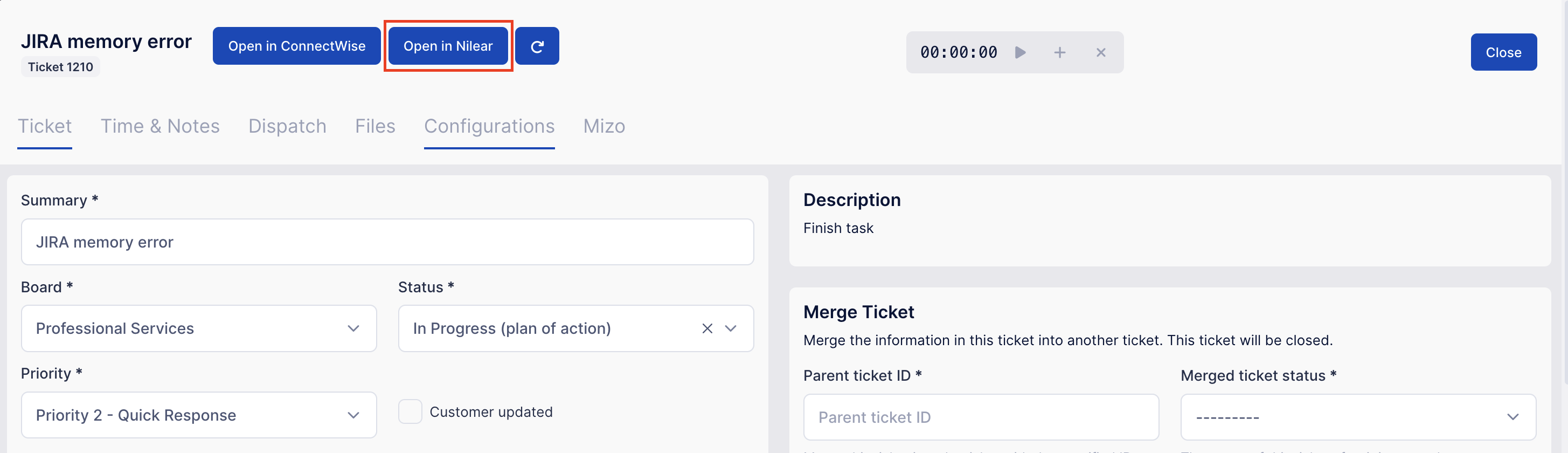
Links work for projects and other records too, not just tickets.
To set up custom links, as an administrator navigate to the Settings page, then under Customization click Custom Links.
Then choose the type of record for which to make the link, specify a label, and enter the URL. In place of the ticket ID, enter [record_id]- this is replaced with the ticket number in the link in the menu or editor.

Comments
No comments yet.