
Changing Status of Records
The status of a ticket, project, or opportunity is shown by the column it's in. You can change the record's status by dragging the card and dropping it in a different column. TopLeft updates record's status in the PSA. You don't need to update data in two places- it all stays in sync.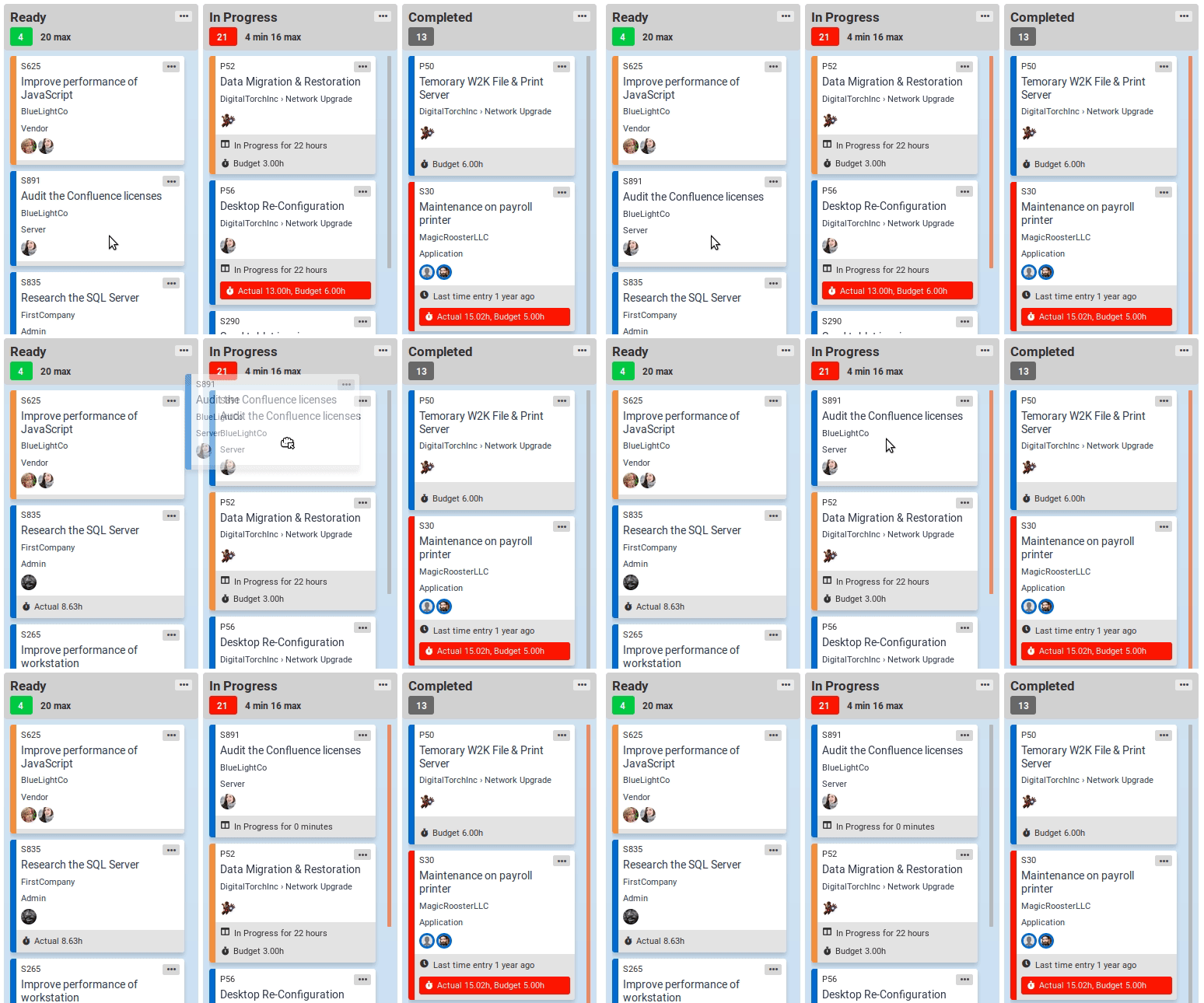
When you drop a card in a column with more than one status mapped, TopLeft presents a dialog with the statuses you can choose for the record. Click on the status you want to use for the record. TopLeft will change the record's status to the status you chose.
Updated September 23, 2026
Comments
No comments yet.